7. Companion and Stream Deck
Companion connects commands across several systems and makes them available through Stream Deck buttons.
Buttons may control:
- Titles
- Lower thirds
- Picture-in-picture
- SuperSource layouts
- Meditation lighting
- Broadcast microphones
- Cameras
- Scenes
- Other multi-step actions
A red warning or missing check mark may mean that Companion is not connected to the required program or device. Verify the affected connection rather than repeatedly pressing the button.
Each automation needs documentation stating:
- What it does.
- Which computers and programs must already be running.
- How the operator knows it succeeded.
- What to do if it stops partway through.
- How to perform the same process manually.
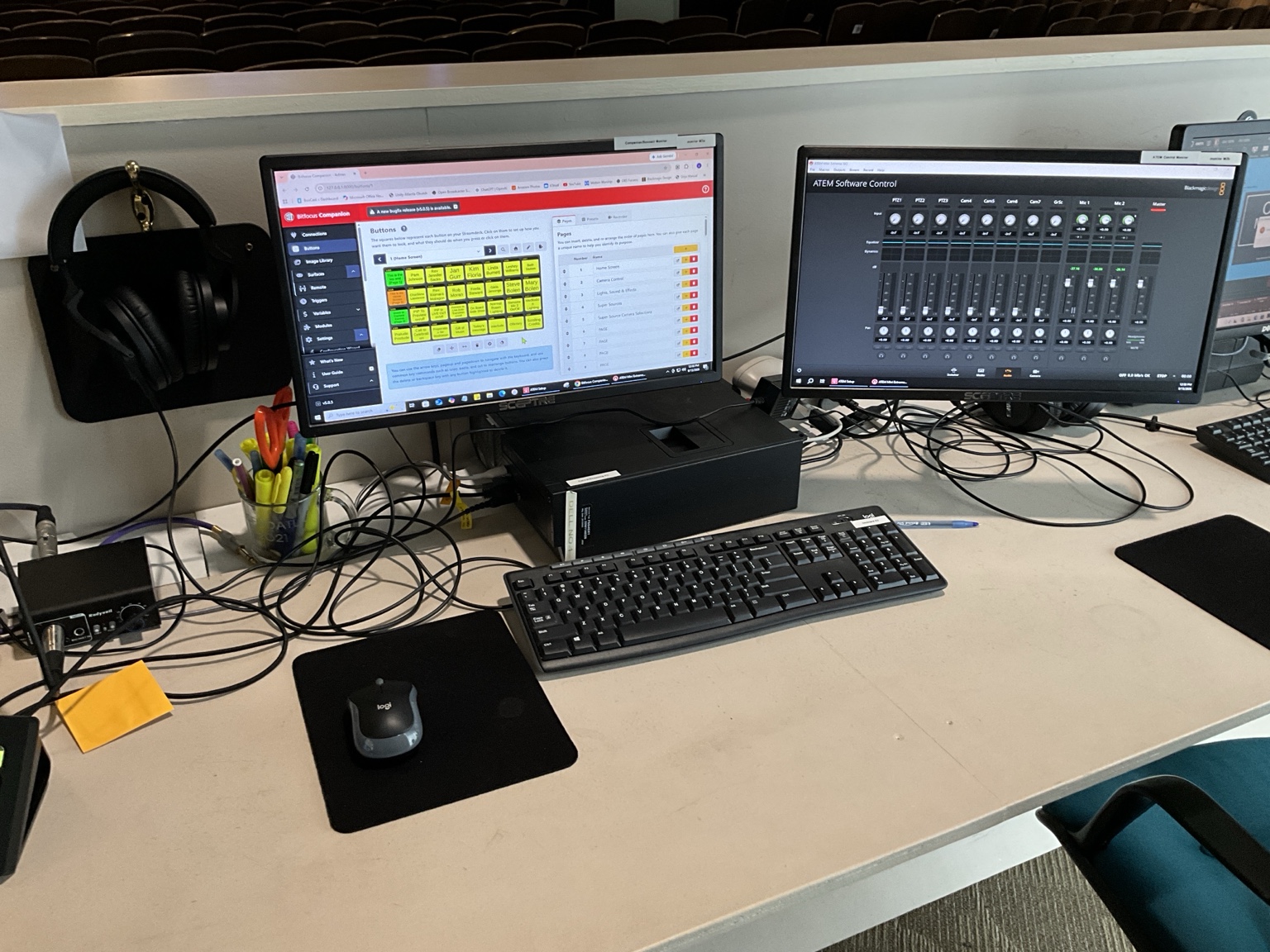
Companion and ATEM workstation
Stream Deck XL
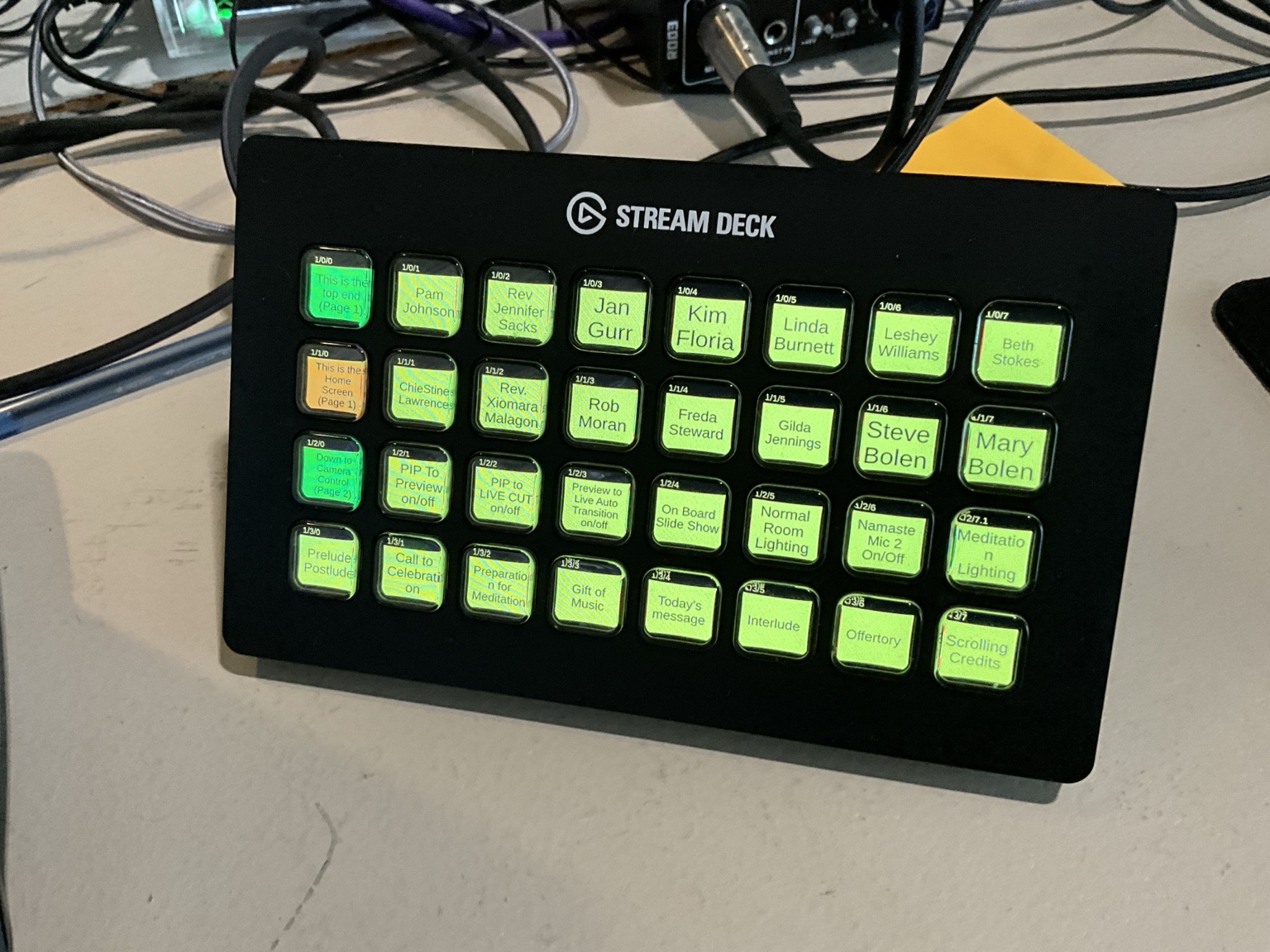
The Stream Deck shows the actual Companion controls configured for this booth.
Companion workstation reference
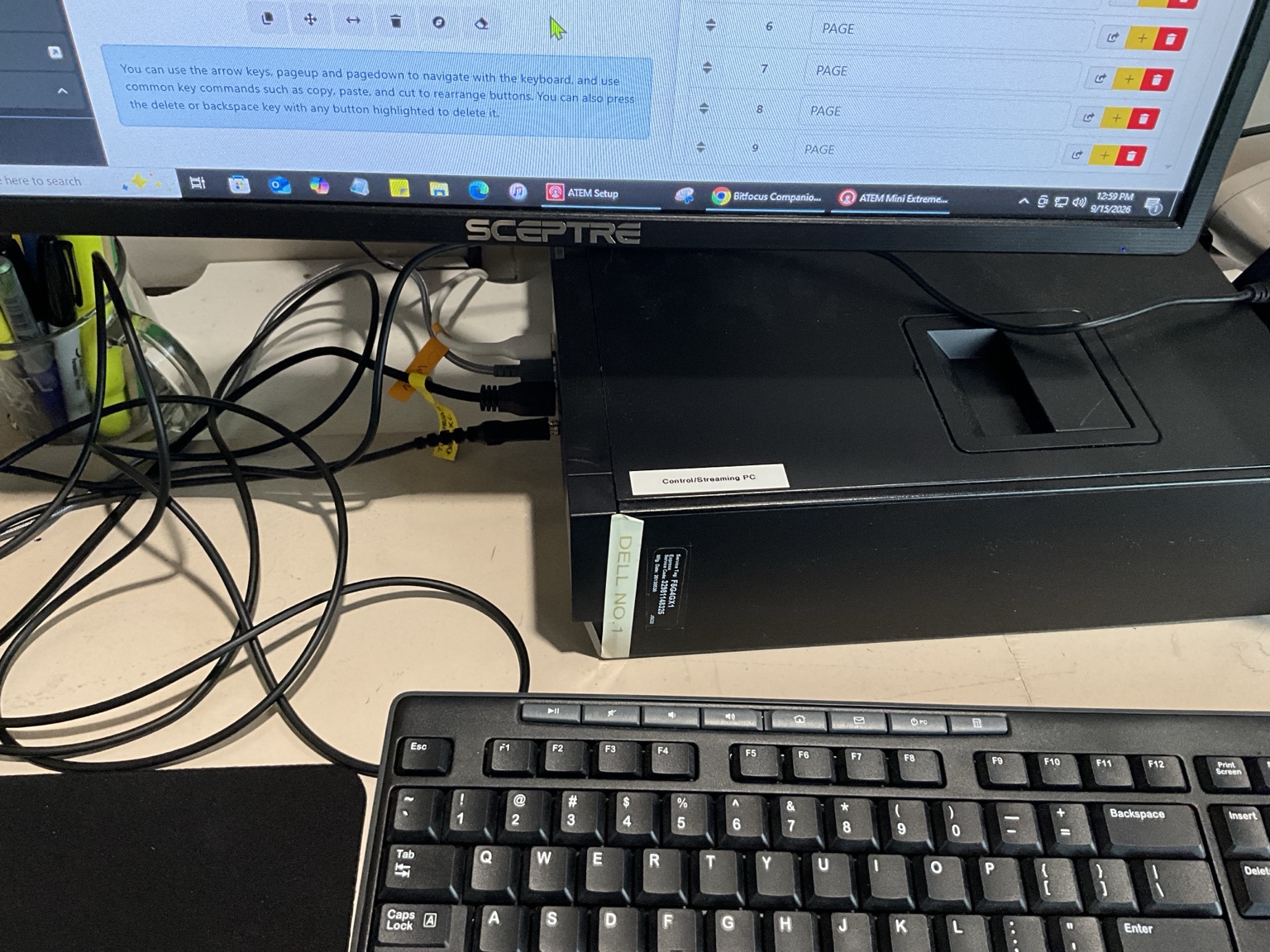
The Companion/Stream Deck and ATEM Software Control workstation used during production.